
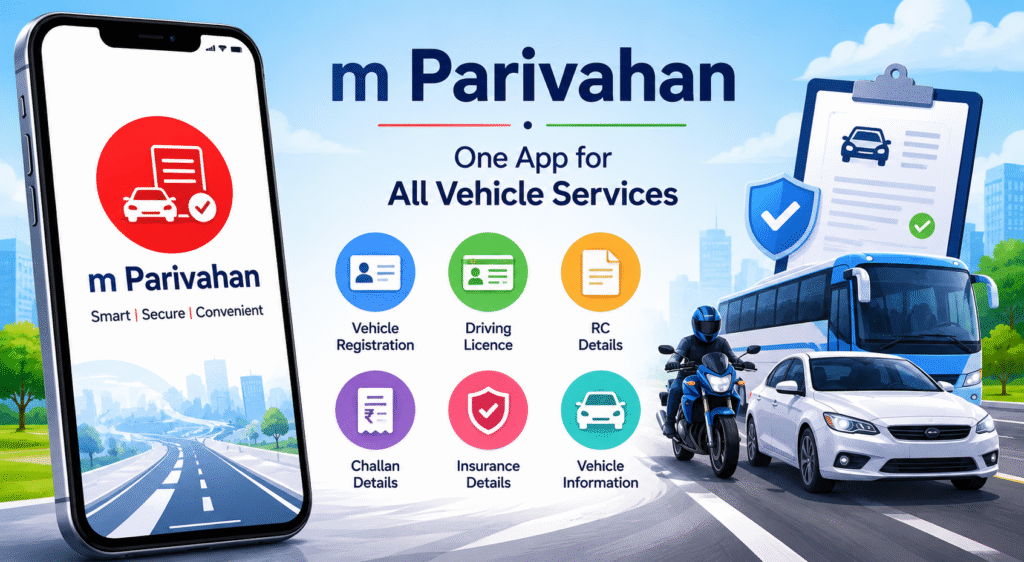
mParivahan is a government-developed mobile application that has genuinely changed how Indian vehicle owners manage and present their driving documents. Rather than carrying stacks of physical papers, drivers can now store legally recognised digital copies of their most important vehicle documents in one place.
What Is m Parivahan?
Developed by the National Informatics Centre (NIC) for the Ministry of Road Transport and Highways, m Parivahan is the official mobile companion to the Parivahan portal. It serves as a digital vehicle document wallet and also provides access to a range of transport-related services.
Key Features of mParivahan
Virtual RC: Stores a digital copy of your Registration Certificate. The Ministry of Road Transport has issued notifications confirming that the virtual RC in m Parivahan is legally equivalent to the physical RC for traffic enforcement purposes. Officers are legally required to accept it.
Virtual Driving Licence: Similarly, the digital DL stored in m Parivahan is legally recognised. Traffic police must accept it in lieu of the physical smart card.
Vehicle Status Check: Enter any vehicle registration number to view its details — owner, registration status, insurance validity, and more. Useful when buying a used vehicle.
Challan Information: Check pending challans linked to your vehicle directly through the app.
Emergency SOS: The app includes an SOS feature that sends location information to registered emergency contacts — useful for riders in distress.
Fitness and Tax Status: Check current fitness certificate and road tax status for any vehicle.
Is the mParivahan Virtual RC Legally Valid?
Yes — and this is a frequent question. In 2018, the Ministry of Road Transport and Highways issued a circular (RT-11036/51/2018-MVL) explicitly stating that digital documents stored in m Parivahan and DigiLocker are valid documents under the Information Technology Act, 2000. Police officers who refuse to accept digital documents are in violation of this directive.
How to Set Up mParivahan
- Download mParivahan from the Google Play Store or Apple App Store
- Register with your mobile number (OTP verification)
- Add your vehicle by entering the registration number
- Add your driving licence by entering your licence number and date of birth
- Your Virtual RC and DL are stored and accessible from the home screen
Parivahan PortalConnection
mParivahan is the mobile face of the broader [Parivahan Sewa](www.bajajfinserv.in/insurance/parivahan-sewa) ecosystem — the national online transport services platform. While the mParivahan app focuses on document storage and on-the-go checks, the full Parivahan portal is where you apply for licences, track applications, pay fees, and access the complete range of RTO services.
Conclusion
mParivahan is a genuinely useful tool that every vehicle owner in India should be using. The ability to present legally valid digital documents at any traffic check, check RC and challan status on the go, and keep all vehicle information organised in one app addresses real daily needs. Download it, set it up, and leave the paperwork at home.
mParivahan features and legal provisions are subject to change. Refer to mParivahan.gov.in for the most current information.